How to use
The Signzy Self Service Portal (SSP) is designed to help businesses onboard, test, and scale with API-driven tools. This section outlines the key steps to get started.
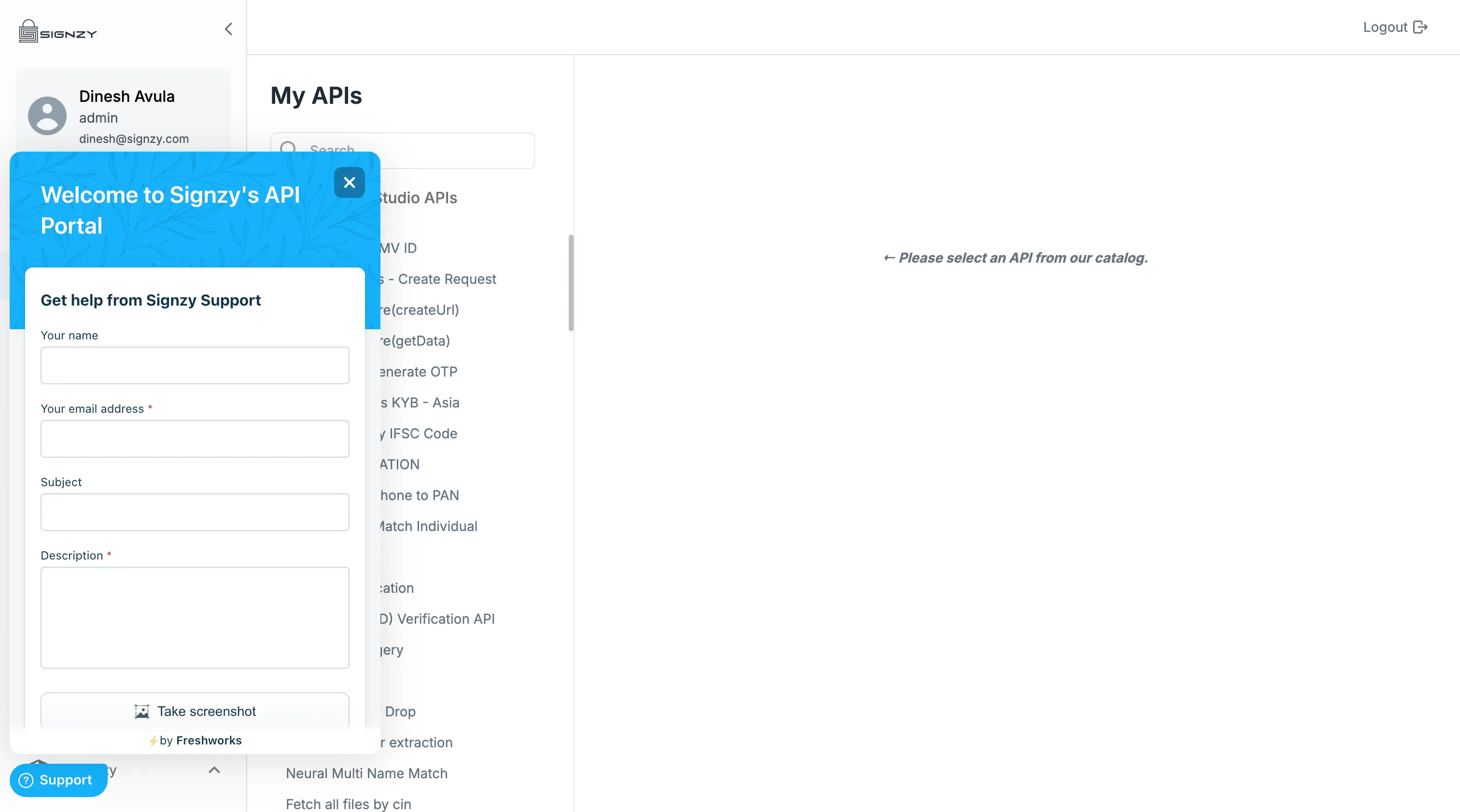
Sign Up & Access the Portal
To begin using Our Self Serve Portal:
- Register your business email address with your account manager
- Verify your Business Organisation
Once verified, You’ll receive an email with access to our wide range of APIs.
Get API Credentials
After logging in:
- Obtain API Credentials from Security Settings
- Credentials are environment-specific (Preproduction Sandbox and Production)
These credentials are required to authenticate and test all API requests.
Explore API Catalog
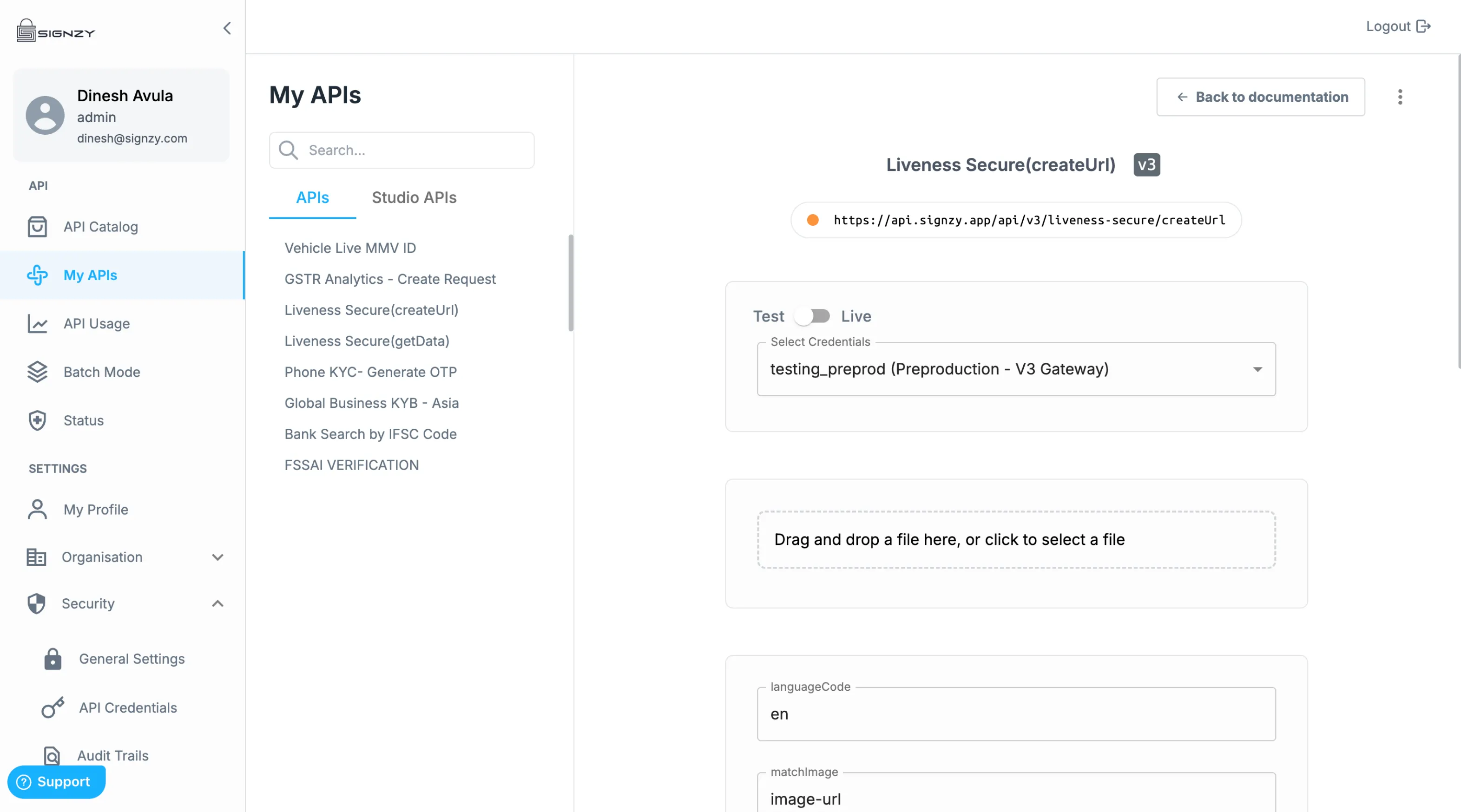
This section displays the complete list of Signzy APIs available for evaluation.
- Browse APIs by category (e.g., KYC, KYB, Compliance, Risk, etc.)
- View detailed documentation, input/output formats, and example responses
- Use the built-in API Explorer to test API calls with sample data once you receive the access to the APIs
My APIs
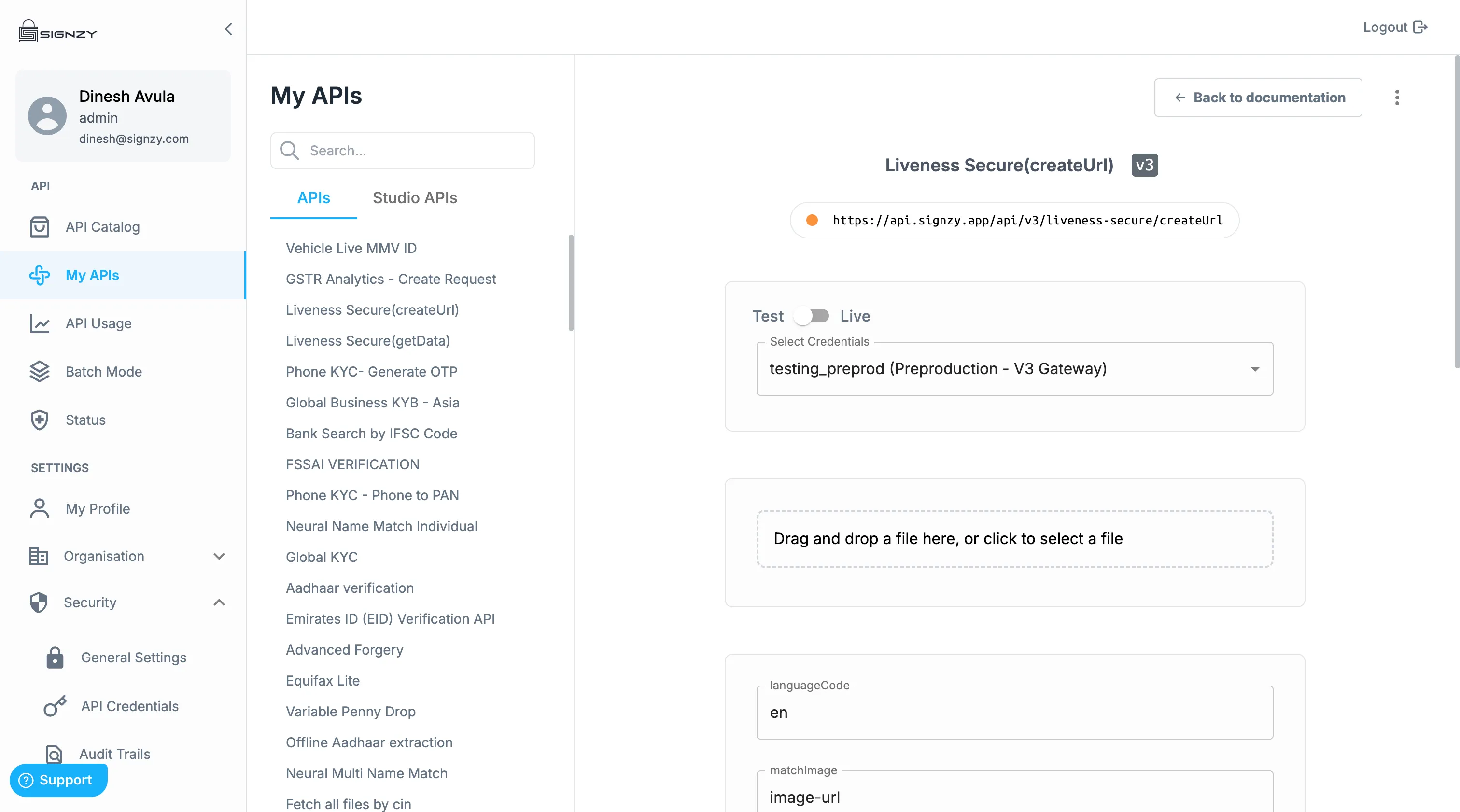
This view displays all APIs your organization has access to, including both testing and live environments.
- Test APIs in the Sandbox
- Easily copy endpoint URLs and credentials
- See request/response formats and usage guidelines
- Direct link to customization options via Studio API
Try this API
This feature allows you to experiment safely before production.
- Use endpoints provided in the documentation
- Run verification flows like PAN, Aadhaar, Liveness, and OCR
- Review request/response data in your SSP dashboard
Move to Production
To go live:
- Complete business verification (KYB) through your account manager
- Sign a commercial agreement
- Request production credentials via [email protected]
Post-approval, you’ll receive:
- Production credentials
- Defined rate limits and SLA terms
Studio API
Customize how Signzy APIs behave with integrated plugins and transformations. This is especially useful for data formatting and secure data transmission.
Monitor & Manage API Usage
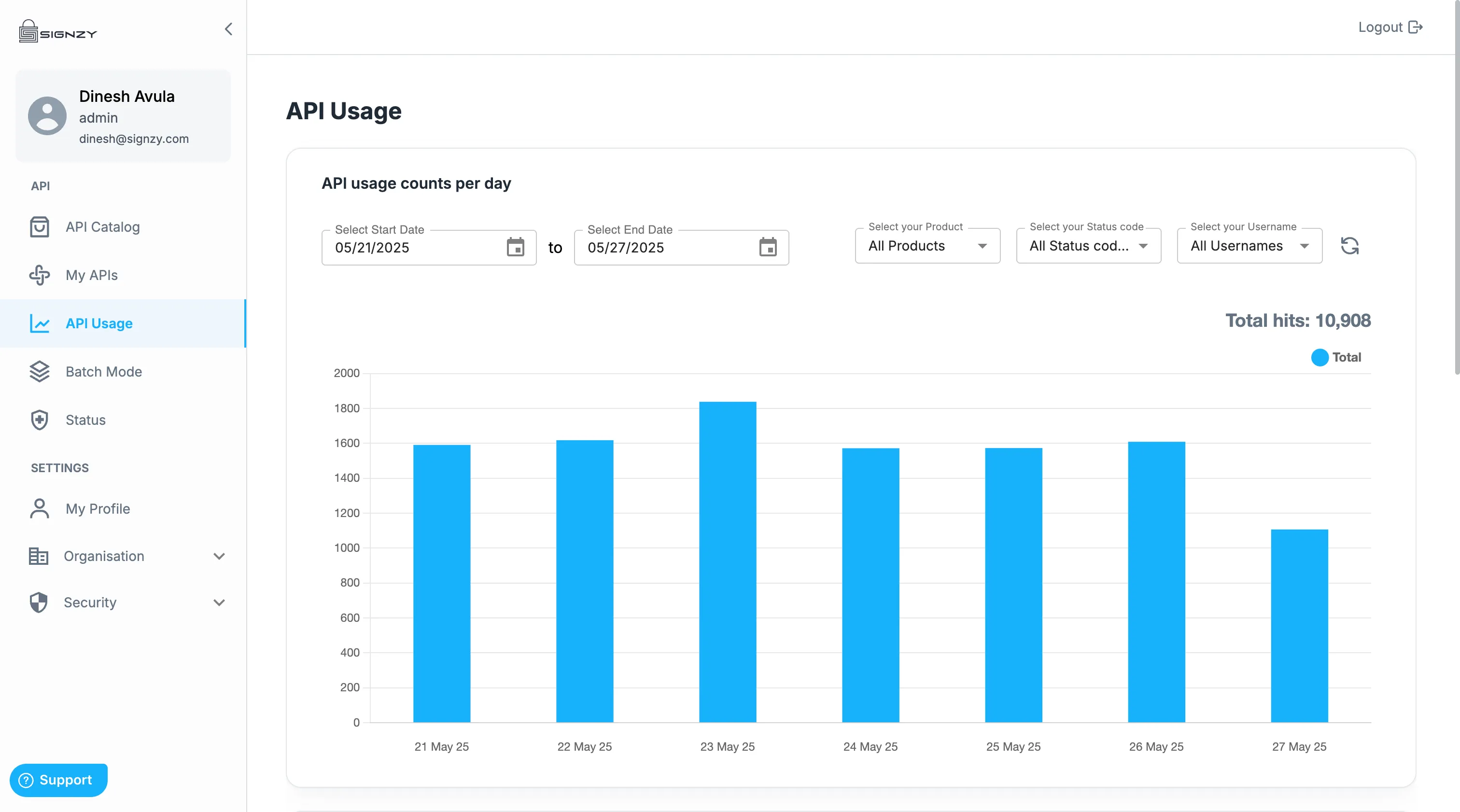
Within SSP, access your:
- Real-time API usage dashboard
- Filters by API type, date, status code
- Exportable CSV reports for billing or audit
API Batch Mode
Process multiple API calls in one go by uploading a CSV file.
- Download templates for each supported API
- Upload CSVs to initiate bulk processing
- Monitor job progress, failure logs, and status of each row
- Export processed data or rerun failed entries
API Status
Check API Health Status for all accessible APIs. For more details, Refer API Status page
Get Support & Stay Updated
Signzy provides multichannel developer support:
- Chat with our Signzy AI
- Raise tickets in-product in the support widget
- Email [email protected]